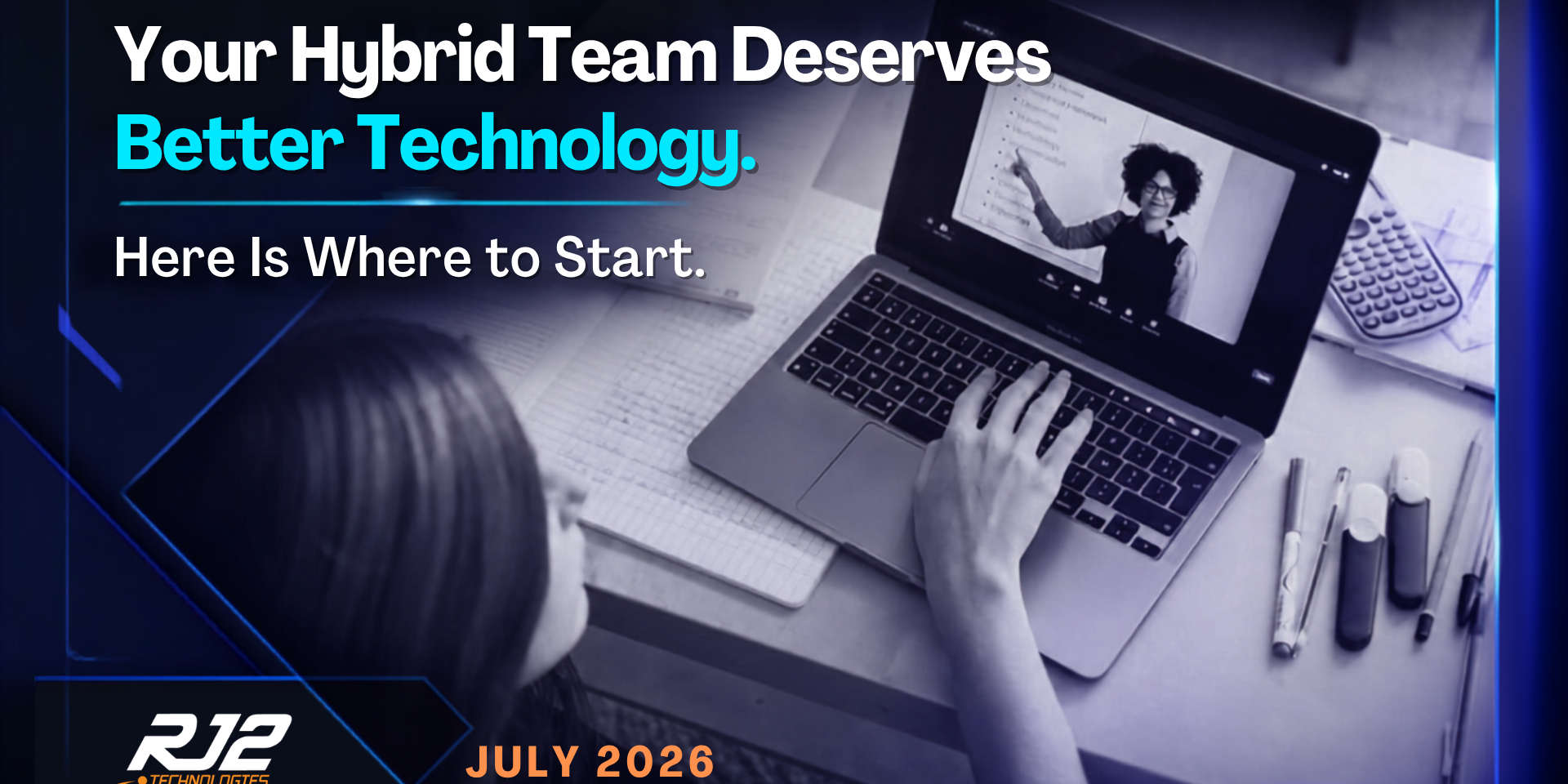
Happy Tuesday! If your team is split between the office and home, you are in excellent company. But are you giving them the tools they actually need to thrive?
Hybrid Work Is No Longer a Trend. It Is the Standard.
The debate about remote work is largely over. According to Gallup research, 52 percent of remote-capable employees now work in a hybrid arrangement, while another 27 percent work fully remotely. That means nearly 8 in 10 workers who can do their job away from a desk are doing exactly that, at least some of the time.
And yet, many businesses are still running hybrid teams on technology infrastructure that was designed for everyone being in the same place. The result is friction that employees feel every single day: meetings where remote participants cannot hear clearly, files scattered across multiple platforms, collaboration tools that work great for in-office staff but create a second-class experience for anyone dialing in from home.
The Technology Gap Is Costing You More Than You Think
Research consistently shows that well-organized hybrid arrangements can deliver up to a 5 percent productivity gain compared to both fully remote and fully in-office teams. That is the upside. But the flip side is that poorly supported hybrid teams lose that advantage entirely and often fall below the performance of a fully co-located group.
The gap shows up in specific, predictable places.
Meetings. Hybrid meetings are notoriously difficult when the technology is not right. In-office participants talk over each other, remote attendees cannot follow side conversations, and no one is capturing decisions in a shared, accessible location. The result is a meeting that happens twice: once live, and again through follow-up emails trying to clarify what was actually decided.
File management. When teams work from different locations, files end up everywhere. SharePoint, personal desktops, email attachments, personal cloud drives. Without a defined file structure and a single authoritative location for shared resources, employees spend an astonishing amount of time just locating the right version of the right document.
Access and authentication. Remote employees frequently run into access friction, locked accounts, expired VPN sessions, MFA prompts that do not behave consistently, and password reset requests that come at the worst possible times. Each one is a small productivity drain that adds up to a significant problem across a distributed team.
Security exposure. Hybrid teams expand the attack surface dramatically. Home networks are rarely as secure as corporate environments. Personal devices that touch business applications may not have endpoint protection. Employees connecting from public Wi-Fi without a VPN are sending business data over unprotected networks. The convenience of working anywhere comes with cybersecurity obligations that many businesses have not fully addressed.
Building a Hybrid-Ready Technology Environment
Getting hybrid work right is not about buying one magic platform. It is about building an environment where the experience is consistent and reliable regardless of where someone is sitting.
Standardize your communication stack. Pick one primary platform for messaging and one for video. Reduce the number of tools where important communication can get siloed. Microsoft Teams, when properly configured, can consolidate chat, video, file sharing, and task management in a single environment that works consistently from any location.
Define a single source of truth for files. Every team should have a clear, documented answer to the question: where do we keep things? SharePoint or a structured cloud drive with clear ownership and access permissions eliminates the version confusion and the endless searching.
Streamline access with single sign-on and MFA. Single sign-on reduces the number of credentials employees manage while giving IT a centralized control point. Paired with well-configured MFA that works smoothly across devices, the result is less friction for employees and stronger security for the business.
Invest in endpoint management. Every device accessing your business systems, whether owned by the company or by the employee, should meet a minimum security standard. Mobile device management (MDM) tools allow IT to enforce encryption, require screen locks, and remotely wipe a device if it is lost or stolen.
Establish a documented home office standard. Define what a supported remote setup looks like: approved device types, required security software, network recommendations. This does not need to be complicated. It just needs to be consistent so that troubleshooting does not start from square one every time.
This Is Where RJ2 Technologies Comes In
RJ2 Technologies helps businesses build the technology foundation that hybrid work actually requires. From configuring Microsoft 365 environments for distributed teams to implementing endpoint management and solidifying remote access security, we close the gap between the hybrid work experience your employees deserve and the one they are currently getting. A great hybrid setup does not happen by accident. It is built intentionally.
Book your free discovery call here: https://meetings.hubspot.com/jeff-dann/free-discovery-call